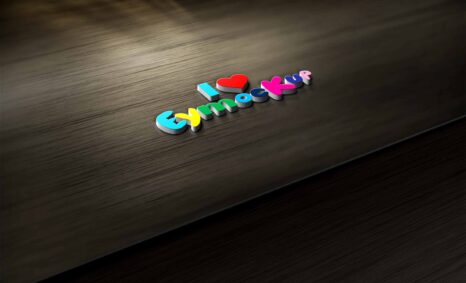
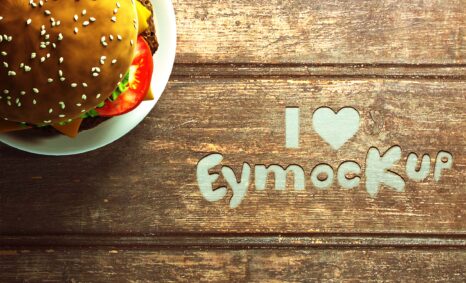
Elevate your branding with our Free Wood Wall 3D Logo Mockup, designed to showcase your logo in a stunning, realistic environment. This mockup features a textured wood wall that adds depth and character, making your logo stand out. Perfect for presentations, portfolios, or social media, it offers an easy way to visualize your branding in a professional setting.
The mockup is user-friendly and compatible with Adobe Photoshop. Simply insert your logo into the designated layer and adjust the lighting to match your desired aesthetic. With high-resolution quality, your designs will look striking and authentic. Download this free mockup today and give your branding the showcase it deserves.
Free PSD template for business logo mockup. It’s fully customizable and you can easily change its dimensions. You may share the designs with your friends by using the download link provided in the footer of download page or by sending it to them over an email.
All of these Resources are easy to use and can present your information beautifully. Some are free, while others cost a few dollars. ( premium mockups )
More great & free PSD Mockups Collection
- 245+ Latest Book Mockups PSD Download
- 800+ Logo Mockup PSD Free Download
- Best Free Products Mockup to Download
- Best Free T-Shirt Mockups for 2021
Description:
Available Format: Layered PSD through smart object insertion
License: Free for personal use
Zip File Includes: Photoshop PSD File
Resolution: 2000 x 2250 px
FAQs – Free Wood Wall 3D Logo Mockup
Can I use the Free Wood Wall 3D Logo Mockup for commercial projects?
Yes, you can use this mockup for commercial projects, ensuring your designs maintain a professional appeal.
What file format does the mockup come in?
The mockup is available in PSD format, compatible with Adobe Photoshop for easy editing.
Do I need specific software to edit the mockup?
You will need Adobe Photoshop to edit the Free Wood Wall 3D Logo Mockup effectively.
Is it easy to change the logo in the mockup?
Absolutely! Simply open the PSD file, and replace the logo in the designated smart object layer.
Does it include customizable lighting options?
Yes, the mockup allows you to adjust lighting settings for a personalized touch to your design.