In the world of branding, a logo serves as the face of a business, representing its values, mission, and personality in a single visual element. A well-designed logo can enhance the recognition and credibility of a brand, making it instantly memorable to consumers. The good news is that you don’t need to hire a professional designer to create a stunning logo. With the right tools and a bit of creativity, anyone can design a logo for free. This article will guide you through various free resources, tips, and techniques to create an impressive logo that stands out.
Creating a stunning logo doesn’t have to break the bank. In this complete guide, we will explore various tools and resources that allow you to design impressive logos for free, helping you stand out in a crowded marketplace. Plus, for those looking to showcase their designs, check out how to customize your mug designs with eye-catching visual mockups.
Understanding the Basics of Logo Design
Before diving into the design process, it’s essential to grasp the fundamental principles of logo design. A logo should be:
- Simple: A complex design can be difficult to recognize and remember.
- Memorable: An effective logo should stick in the minds of viewers.
- Versatile: It should work well across various mediums, from business cards to billboards.
- Appropriate: The design should be relevant to the business and its target audience.
- Timeless: Aim for a design that won’t go out of style quickly.
Free Logo Design Tools
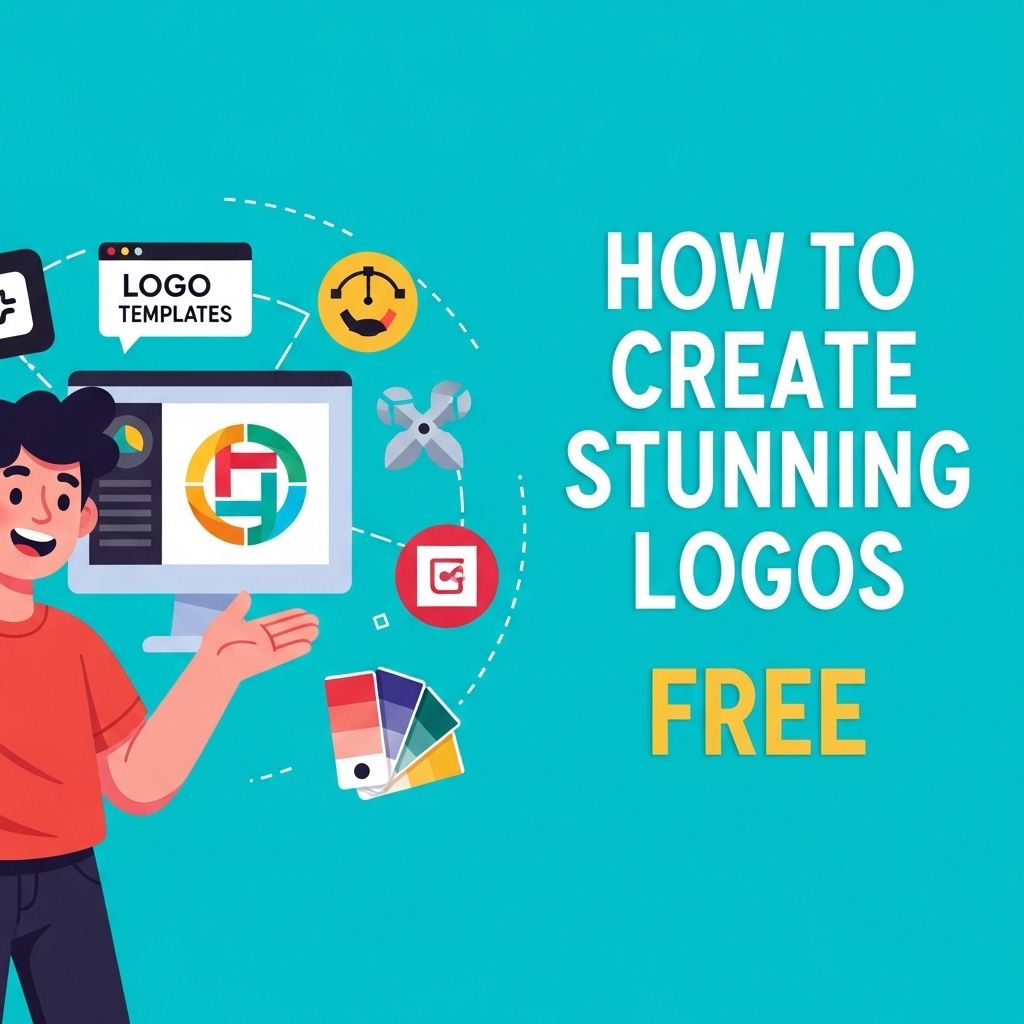
Thanks to the digital age, there are numerous free online tools available that can help you design a professional logo without any prior graphic design experience. Here are some of the best options:
Canva
Canva is a versatile graphic design tool that offers a dedicated logo maker. With its user-friendly interface and extensive library of templates, icons, and fonts, you can create a customized logo from scratch or modify existing designs.
LogoMakr
LogoMakr is another intuitive tool that allows you to drag and drop elements to create your logo. You can choose from various icons and shapes, and customize colors and fonts to reflect your brand identity.
Looka
Looka uses artificial intelligence to generate logo designs based on your preferences. After answering a few questions about your brand style and color palette, Looka produces several logo concepts that you can further customize.
Steps to Create Your Logo
1. Define Your Brand Identity
Your logo should align with your brand’s identity. Consider the following questions:
- What are your brand’s values?
- Who is your target audience?
- What message do you want to convey?
2. Research and Gather Inspiration
Look for inspiration in your industry and beyond. Bookmark logos that resonate with you and analyze their design elements, such as color schemes, shapes, and font styles. Websites like Behance and Dribbble are excellent for discovering creative designs.
3. Choose Your Design Style
Decide on the style that best represents your brand. Common design styles include:
- Classic: A timeless approach that focuses on simplicity.
- Modern: Clean lines and minimalism are often hallmarks of modern logos.
- Playful: Bright colors and fun fonts can create a friendly vibe.
- Elegant: A sophisticated look that often features refined typography.
4. Select Colors and Fonts
Colors have psychological impacts and can evoke specific emotions. Choose a color palette that reflects your brand’s personality. For example:
| Color | Emotion |
|---|---|
| Blue | Trust and professionalism |
| Red | Energy and passion |
| Green | Growth and health |
| Yellow | Optimism and warmth |
When selecting fonts, consider readability and how well they align with your brand’s tone. Limit yourself to two or three fonts to maintain a cohesive look.
5. Sketch Your Ideas
Before heading to the digital realm, sketch out your ideas on paper. This step helps you visualize your concepts and explore different layouts without the constraints of software tools.
6. Create Your Logo Digitally
Using one of the free tools mentioned earlier, bring your sketches to life. Start by choosing a template if desired, then customize it with your selected colors, fonts, and graphics. Don’t be afraid to iterate on your designs until you find one that fits.
7. Get Feedback
Once you have a few logo options, seek feedback from trusted peers or potential customers. Ask them what impressions the logos give and which one they feel best represents your brand.
8. Finalize and Export Your Logo
After incorporating feedback, finalize your design. Ensure that your logo is in a high-resolution format suitable for both print and digital use. Exporting in various formats (e.g., PNG, SVG, PDF) will ensure versatility.
Common Mistakes to Avoid
Creating a logo can be challenging, and it’s easy to make mistakes. Here are some common pitfalls to avoid:
- Overcomplicating the Design: Simple logos are often the most effective.
- Using Clipart: Relying on generic images can dilute your brand’s uniqueness.
- Ignoring Scalability: Ensure your logo looks good at any size.
- Neglecting Your Audience: Always keep your target audience in mind when designing.
Case Studies of Successful Logos
To illustrate the power of effective logo design, let’s look at a couple of successful case studies:
Nike
The swoosh logo is a perfect example of simplicity and memorability. It embodies motion and speed, directly aligning with Nike’s brand identity as a performance-oriented company.
Apple
The Apple logo is iconic not only for its simplicity but also for the brand’s commitment to innovation and quality. The sleek design reflects the company’s focus on clean aesthetics.
Conclusion
Creating a stunning logo doesn’t have to be a daunting task. By utilizing free design tools, following a structured process, and keeping your brand identity at the forefront, you can produce a professional-looking logo that captures the essence of your business. Remember, your logo is often the first impression potential customers will have of your brand, so take the time to make it memorable!
FAQ
How can I create stunning logos for free?
You can create stunning logos for free by using online logo maker tools such as Canva, LogoMakr, or Hatchful. These platforms offer customizable templates, icons, and fonts to help you design a professional-looking logo without any cost.
What are the best free logo design tools available?
Some of the best free logo design tools include Canva, Looka, LogoMakr, and DesignEvo. Each offers user-friendly interfaces, a variety of design elements, and templates to help you create your logo.
Can I use free logo design tools for commercial purposes?
Most free logo design tools allow you to use the logos for commercial purposes, but it’s essential to check the licensing agreements of each platform to ensure compliance with their usage policies.
What elements should I consider when designing a logo?
When designing a logo, consider factors like simplicity, relevance to your brand, color psychology, and scalability. A good logo should be memorable and work well in various sizes and formats.
How can I ensure my logo stands out?
To ensure your logo stands out, focus on unique design elements, choose an appropriate color scheme, and make sure it reflects your brand’s identity. Research your competitors to avoid similarities.
Is it worth paying for a logo design?
While free logo design tools are great for beginners, paying for a logo design can provide you with more unique and professionally crafted options. Hiring a designer might be worth it for businesses looking for a more distinctive brand identity.