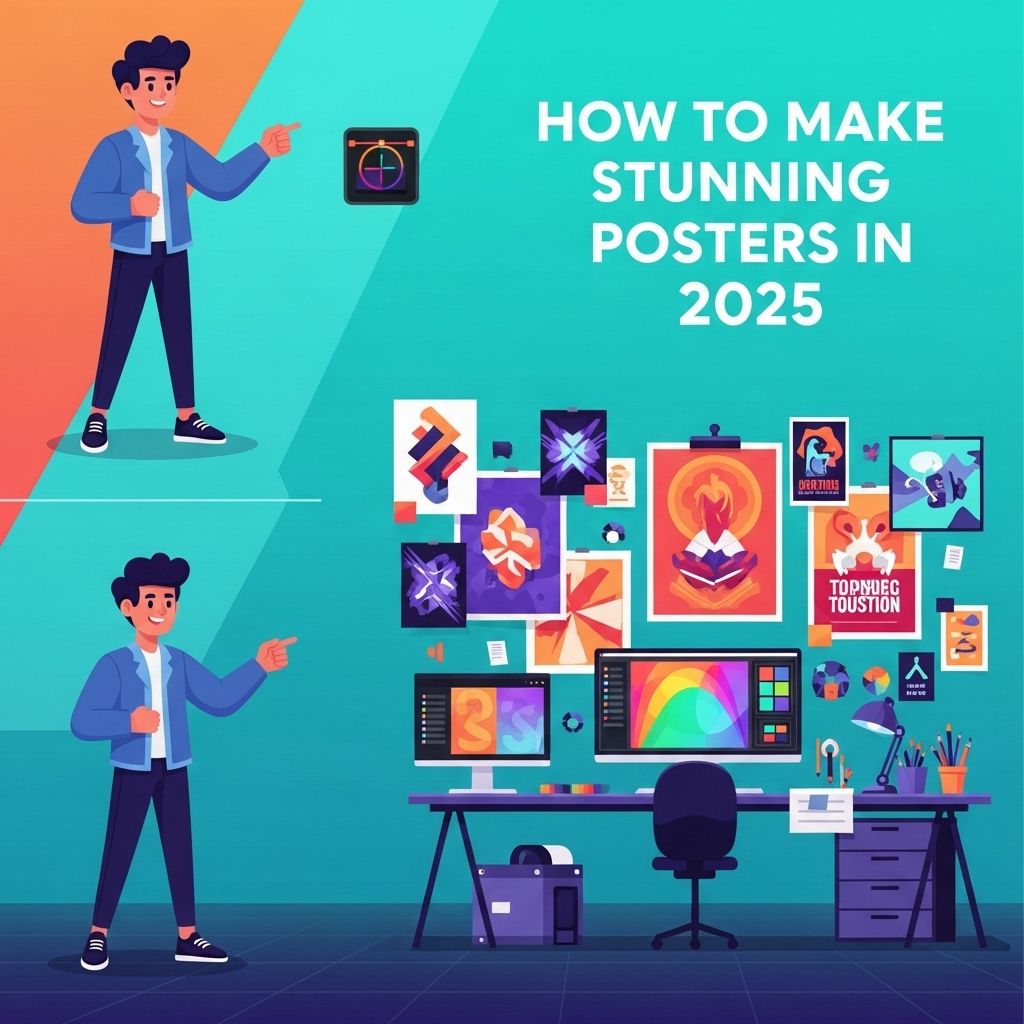
In today’s digital landscape, the art of poster design has evolved significantly, offering endless possibilities for creativity and expression. Whether for personal projects, business promotions, or event advertising, creating stunning posters in 2025 is an exciting endeavor that blends traditional design principles with cutting-edge technology. This article will guide you through the key strategies and tools to craft visually compelling posters that captivate your audience.
Creating stunning posters in 2025 requires a blend of creativity and the latest design techniques. As visual content continues to dominate platforms like Instagram, incorporating innovative styles and trending aesthetics will help your posters stand out. For those looking to enhance their skills, exploring engaging Instagram posts can provide valuable insights.
The Importance of Visual Communication
The efficacy of posters lies in their ability to convey messages quickly and effectively. A well-designed poster can:
- Grab attention
- Communicate information clearly
- Inspire action
- Enhance brand identity
With these factors in mind, let’s explore the essential steps to create stunning posters.
Understanding Your Audience
Before diving into design, it’s crucial to understand the target audience for your poster. Consider the following:
- Demographics: Age, gender, and cultural background can influence design choices.
- Interests: Tailor your content to resonate with the audience’s preferences.
- Purpose: Determine whether your poster aims to inform, persuade, or entertain.
Research and Inspiration
Gather inspiration by exploring various sources such as:
- Design portfolios on platforms like Behance and Dribbble
- Social media, particularly Pinterest and Instagram
- Traditional print media
Choosing the Right Design Tools
The tools you select for designing your poster can greatly impact the final product. Here are some of the most popular design tools for 2025:
| Tool | Features | Best For |
|---|---|---|
| Adobe Illustrator | Vector graphics, advanced typography | Professional designers |
| Canva | User-friendly, templates available | Beginners and quick designs |
| Figma | Collaborative design, prototyping | Team projects |
| Affinity Designer | Affordable, powerful vector editing | Budget-conscious creators |
Design Principles to Consider
To create stunning posters, adhere to fundamental design principles:
1. Hierarchy
Establish a clear hierarchy through:
- Size: Make important elements larger
- Color: Use contrasting colors for emphasis
- Placement: Position key information at eye level
2. Color Theory
Colors evoke emotions and convey messages. Consider the following color schemes:
- Monochromatic: Variations of a single hue
- Analogous: Colors next to each other on the color wheel
- Complementary: Opposite colors for contrast
3. Typography
Select fonts that align with your message and audience. Here are tips for effective typography:
- Pair fonts (a serif with a sans-serif)
- Limit font choices to two or three
- Ensure readability from a distance
Incorporating Visual Elements
Visual elements such as images, graphics, and icons can enhance your poster:
1. Images
Use high-quality images that are relevant to your message. Consider:
- Stock photos from sites like Unsplash or Shutterstock
- Your own photography to add a personal touch
2. Graphics and Illustrations
Custom illustrations can differentiate your poster from others. Tools like Adobe Illustrator can help you create unique designs. Alternatively, platforms like Freepik offer pre-made graphics.
3. Icons
Incorporate icons to represent ideas succinctly. Websites like Flaticon provide a vast library of icons.
Proofreading and Feedback
Once your design is complete, take the time to proofread the text and seek feedback from others. Consider setting up a feedback loop to refine your design:
- Share with peers for initial impressions.
- Make adjustments based on constructive criticism.
- Test readability by showing it to people who fit your target demographic.
Printing and Distribution
After finalizing your poster, it’s time to print and distribute:
1. Printing Techniques
Choose a printing method that fits your project requirements:
- Digital Printing: Ideal for small runs and quick turnarounds.
- Offset Printing: Best for larger quantities with consistent quality.
- Screen Printing: Great for vibrant colors and textures.
2. Material Selection
Select a material that suits the poster’s purpose:
- Paper: Standard choice; consider finish (matte vs. glossy).
- Vinyl: Weather-resistant for outdoor use.
- Fabric: For a unique, textured look.
3. Distribution Strategies
Think about how you will distribute your poster:
- Online: Share on social media or via email.
- Offline: Put up in community centers, cafes, or events.
Conclusion
Creating stunning posters in 2025 requires a blend of creativity, technical skill, and an understanding of your audience. By following the steps outlined in this article—from initial research and design principles to printing and distribution—you can produce posters that not only catch the eye but also effectively communicate your intended message. Embrace the latest tools and techniques to elevate your poster design and make a lasting impact.
FAQ
What are the essential elements of a stunning poster design in 2025?
In 2025, essential elements for stunning poster design include high-quality visuals, compelling typography, a clear message, and effective use of color. Incorporating modern design trends such as minimalism and dynamic layouts can also enhance visual appeal.
Which design software is best for creating posters in 2025?
Popular design software for creating posters in 2025 includes Adobe Illustrator, Canva, and Affinity Designer. These tools offer user-friendly interfaces and a wide range of templates and features to help you create eye-catching posters.
How can I choose the right color scheme for my poster?
To choose the right color scheme for your poster, consider the emotions you want to evoke and the message you want to convey. Use color theory principles and tools like Adobe Color to create harmonious color combinations that enhance your design.
What are the latest design trends for posters in 2025?
Latest design trends for posters in 2025 include bold typography, 3D elements, vintage aesthetics, and interactive designs. Incorporating augmented reality features can also engage viewers and make your poster stand out.
How do I print my poster for the best quality?
To ensure the best quality when printing your poster, use high-resolution images (at least 300 DPI), select a suitable paper type, and choose a reputable printing service that specializes in large-format prints.
Can I use stock images for my poster design?
Yes, you can use stock images for your poster design, but make sure to choose high-quality images and check the licensing agreements to ensure you have the right to use them in your project.