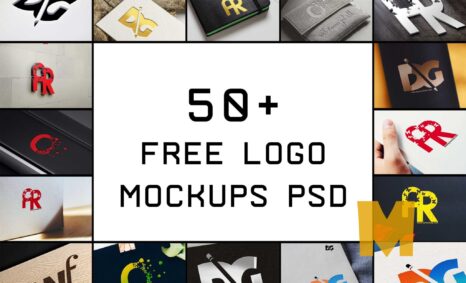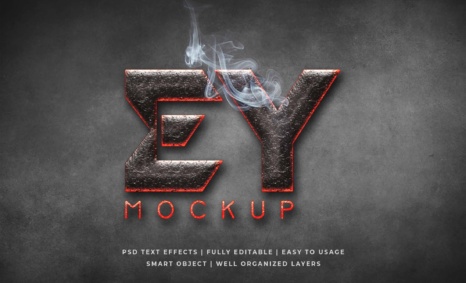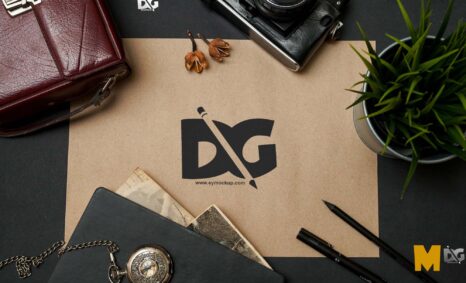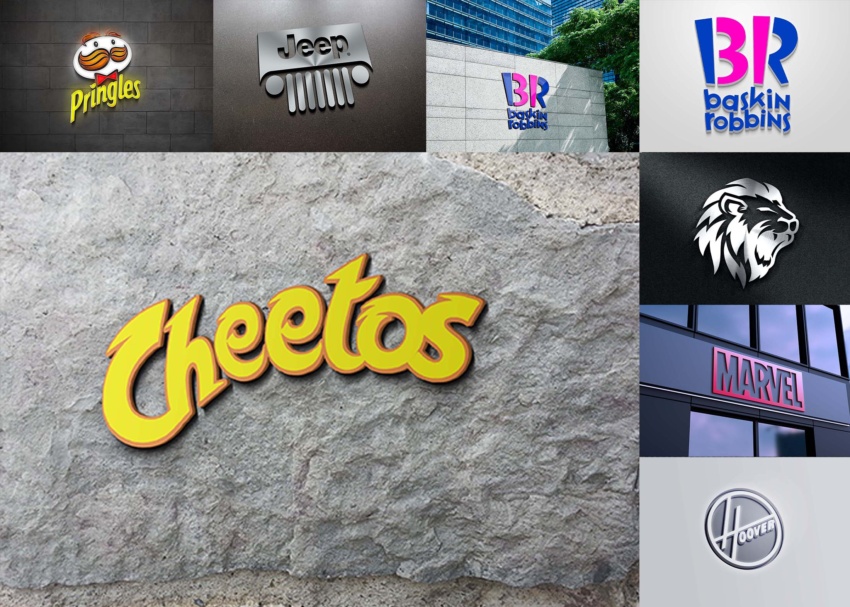
Explore our collection of famous logos mockup (PSD) files, designed to elevate your branding presentations. These high-quality mockups allow you to showcase your logos in a realistic and professional manner, making them perfect for designers and marketers alike.
With easy-to-use layers and smart objects, you can easily customize each mockup to fit your specific needs. Whether you’re working on a client project or developing your own brand, these mockups offer versatility and creativity to bring your ideas to life.
In the world of graphic design, mockups are essential tools for showcasing your work in a realistic setting. They help you visualize your designs in the real world and make sure they are effective in their intended environment. However, purchasing premium mockups can get expensive, especially if you’re just starting out. That’s why Our Website Provides the best free PSD mockup, where you can find high-quality mockups for a variety of purposes without breaking the bank.
You can use Free PSD Logos mockups to showcase your own designs in a realistic and professional way.
To use a Photoshop PSD Logos mockup, simply open the file in Photoshop. Then, replace the placeholder design with your own design. You can also customize the logo mockup to match your brand by adding your logo, colors, and fonts.
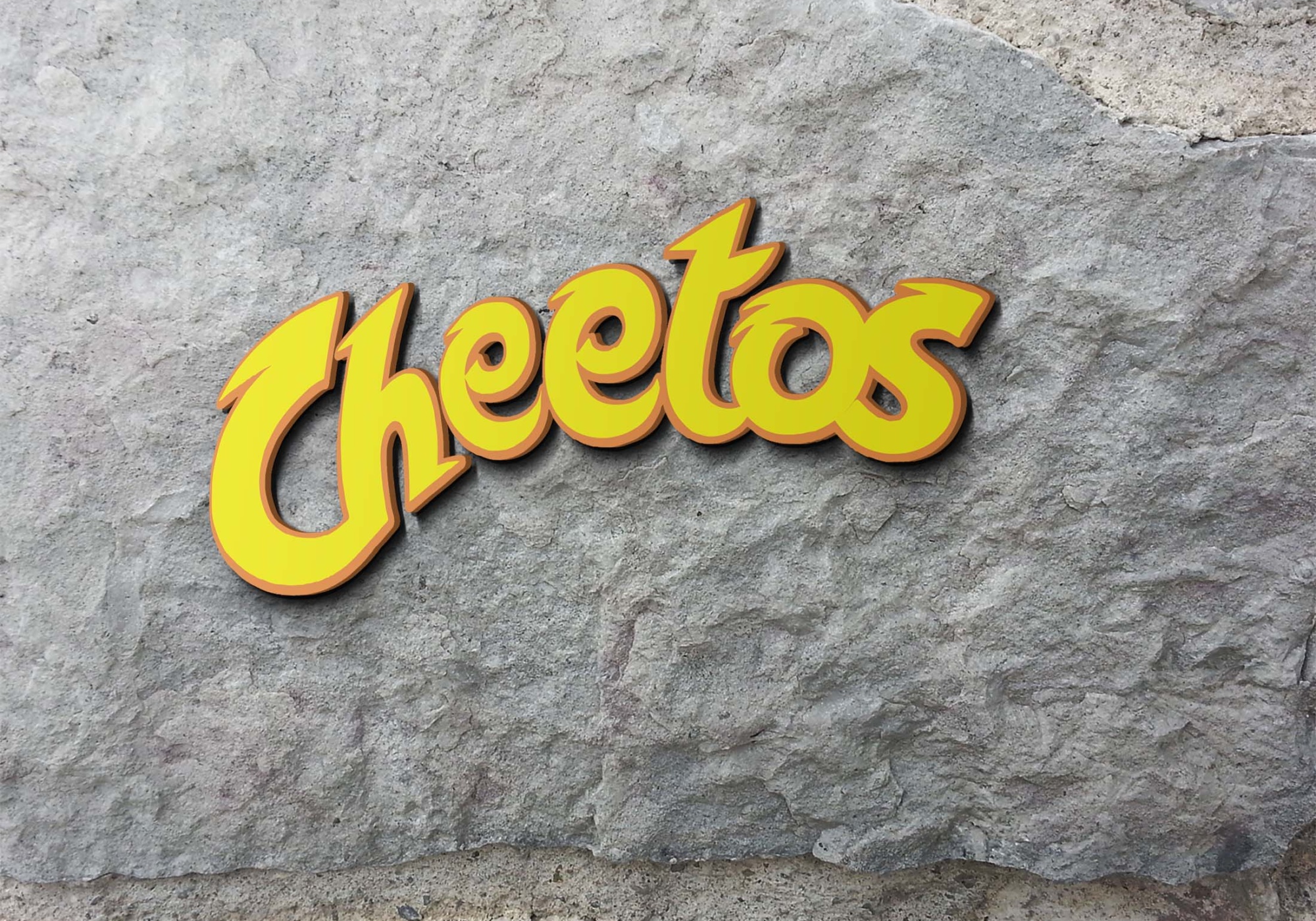


Once you have downloaded a mockup, you can open it in Photoshop and add your own design. To do this, simply place your design on the smart object layer of the mockup.
Here are some tips for using free mockups:
- Make sure that the mockup is the correct size and resolution for your needs.
- Use high-quality images for your designs.
- Pay attention to the lighting and shadows in the mockup.
- Adjust the colors and brightness of your design to match the mockup.
- Add your own branding elements to the mockup.
Description:
Available Format: Layered PSD through smart object insertion
License: Free for personal and commercial use
Zip File Includes: Photoshop PSD File
Resolution: 2200 x 1500 px
Advertisement:
FAQs – Famous Logos Mockup (PSD)
Can I edit the famous logos mockup PSD files?
Yes, the PSD files are fully editable. You can customize colors, add your own logos, and adjust the layout using Adobe Photoshop.
Do I need specific software for the mockup?
You will need Adobe Photoshop to edit and use the famous logos mockups effectively. Ensure you have a compatible version.
Is it easy to customize the mockups?
Absolutely! The mockups utilize smart objects, allowing quick and simple customization. Just double-click the smart object layer to add your design.
What formats are included in the download?
The download includes PSD files, which are optimized for Photoshop. No other formats are provided, ensuring high-quality outputs.
Does the mockup support different lighting effects?
Yes, the mockup includes layers for adjusting lighting and shadows, providing options to create realistic effects based on your design needs.